


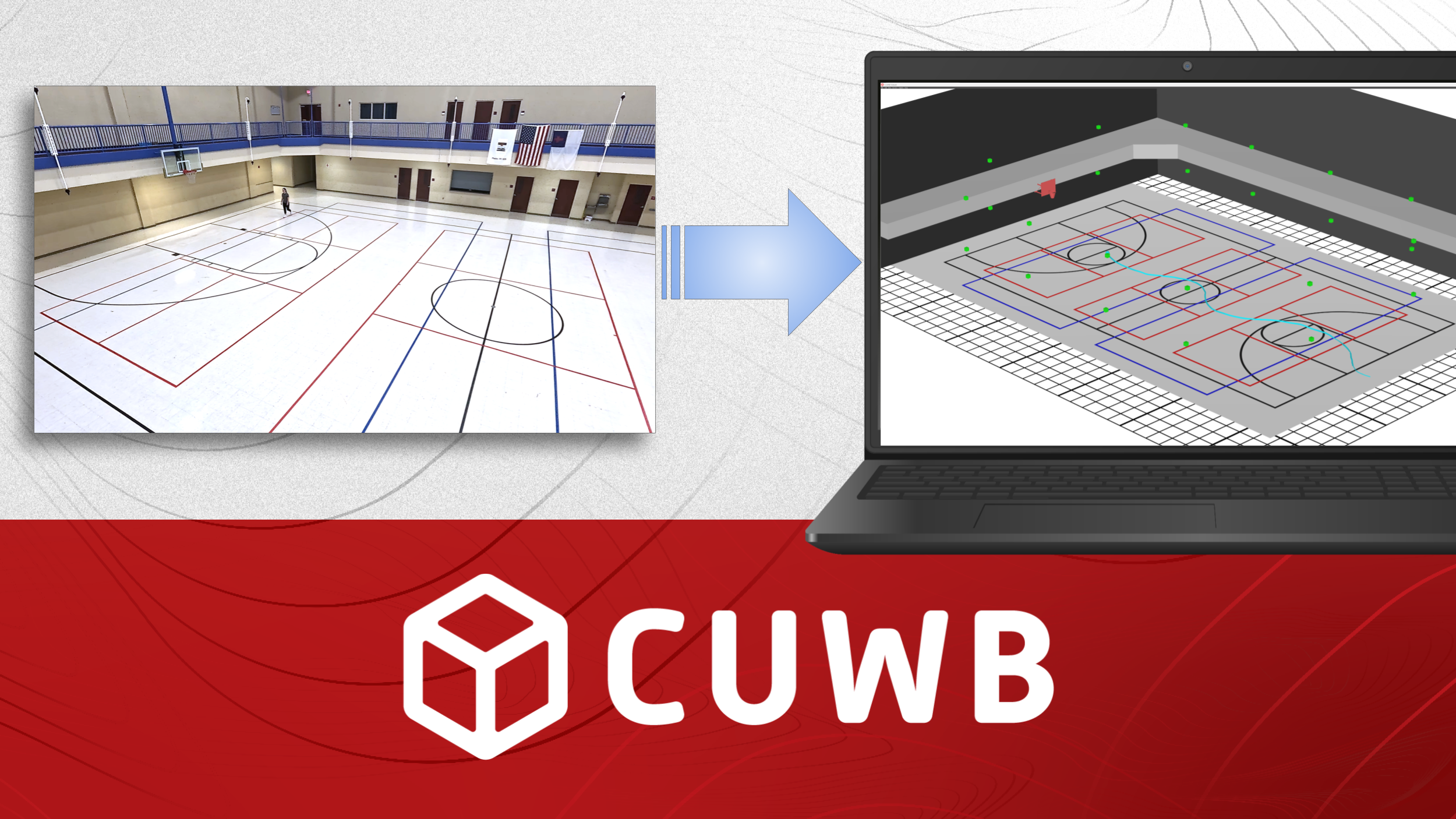
In the world of Real-Time Location Systems (RTLS), precision is key. Ultra-Wideband (UWB) technology provides sub-meter position accuracy for tracking assets, personnel, and equipment. However, raw XYZ positional data is difficult to interpret on its own.
To turn complex spatial data into operational insight, visualization is essential. This is where the CUWB Viewer comes in. By providing real-time, interactive 3D rendering of CDP position output, the CUWB Viewer bridges the gap between hardware tracking and spatial awareness.
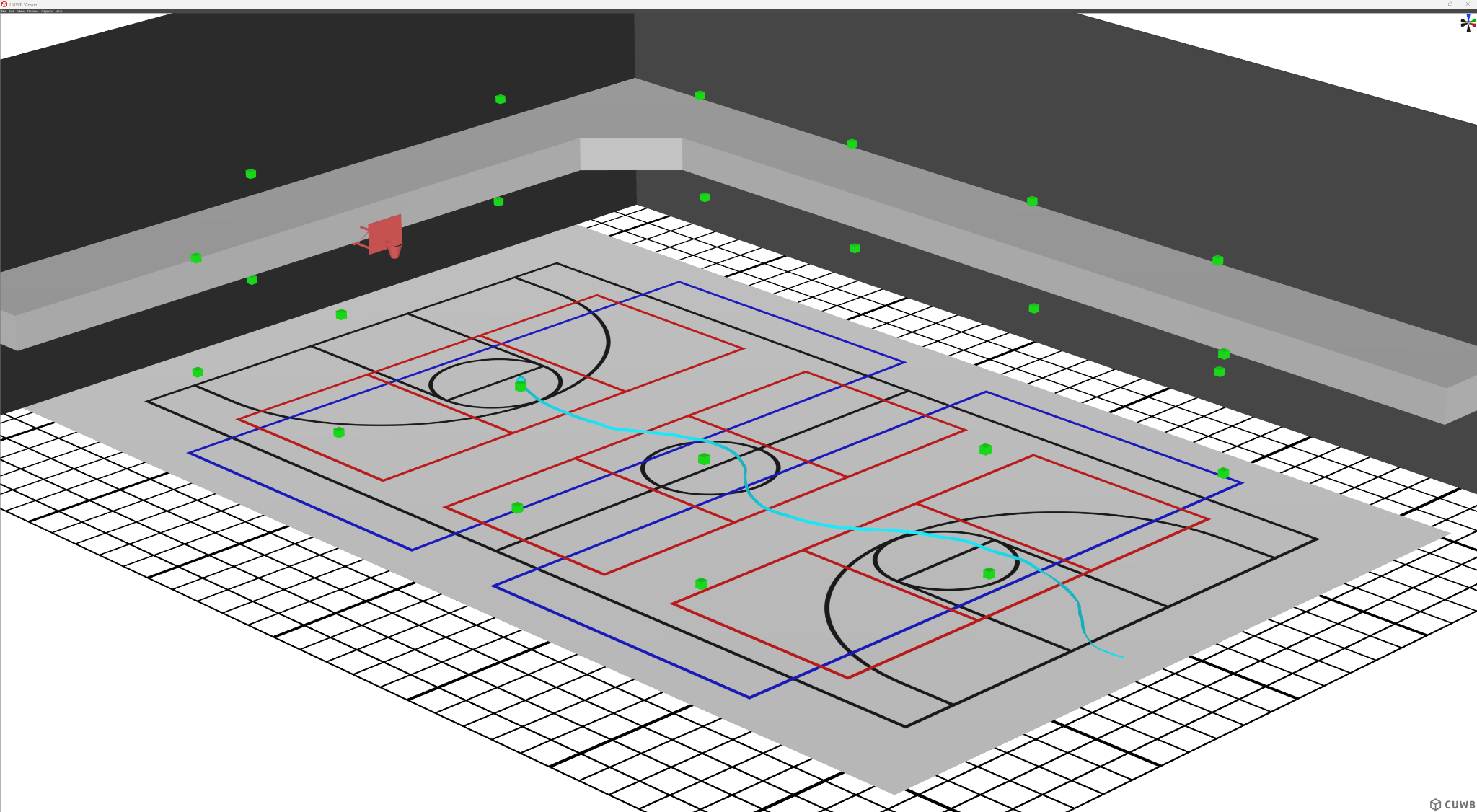
While 2D floor plans can display ground coordinates, real-world environments operate in three dimensions. Anchor placement across high ceilings and tags worn at varying heights require an accurate 3D view to visualize positioning properly.
The CUWB Viewer is packed with feature-rich tools designed for seamless navigation and customization of the environment all while tracking CUWB devices in the real-world.
The Viewer features flexible camera controls allowing panning, rotating, and zooming via mouse, keyboard shortcuts, or a dedicated camera gizmo. Users can align views precisely along X, Y, or Z axes with a single click, or instantly switch between customized preset camera positions using hotkeys.
Visualize Anchor positions and track tags in real time with the following features:
Instead of tracking tags in an empty digital void, the CUWB Viewer lets users build an environment that matches their facility:
Once the environment is set up, configurations can be saved to standalone files to easily share CUWB Viewer settings across teams.
Getting up and running with the CUWB Viewer is simple.
Ensure the Host PC meets basic graphics requirements; a dedicated graphics card is required for smooth rendering. Follow the CUWB Viewer Installation Instructions for a detailed guide covering Ubuntu installation and setup. Plus, be on the lookout for our upcoming Windows port!
Watch this step-by-step video guide walking through the direct download installation method, network setup, device customization, and 3D environment modeling:
🎥 Watch the Guide:
Installing and Using the CUWB Viewer (Learn how to install dependencies via apt, launch cuwb-viewer, discover active CUWB networks, and build custom 3D walls and floors).
A high-accuracy UWB system is only as good as the insights it delivers. By pairing Ciholas' advanced RTLS hardware with the 3D visualization of the CUWB Viewer, operations teams can effortlessly monitor assets in real time!
To explore the software documentation and learn more about deploying ultra-wideband location tracking in your facility, visit the official documentation at cuwb.io.